 Deckdrop
Flashcards in one gesture
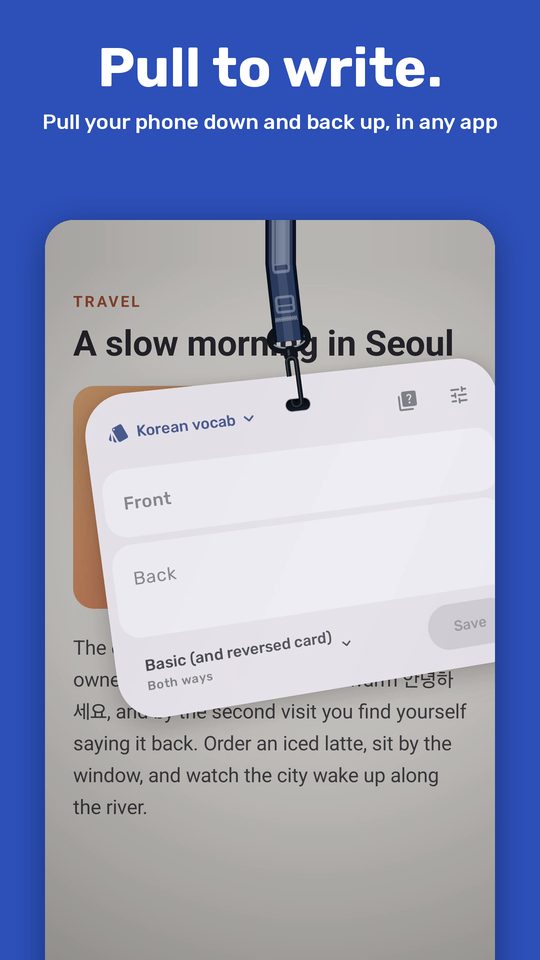
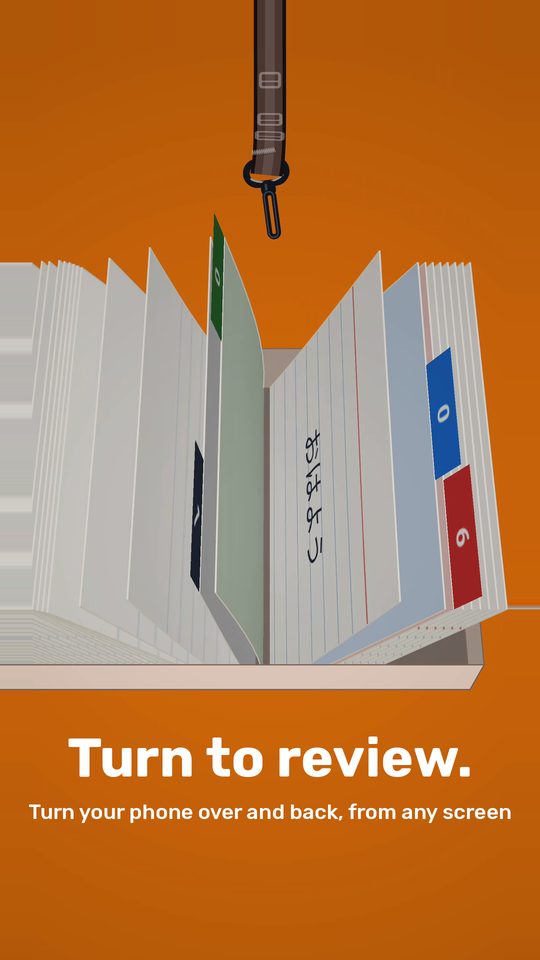
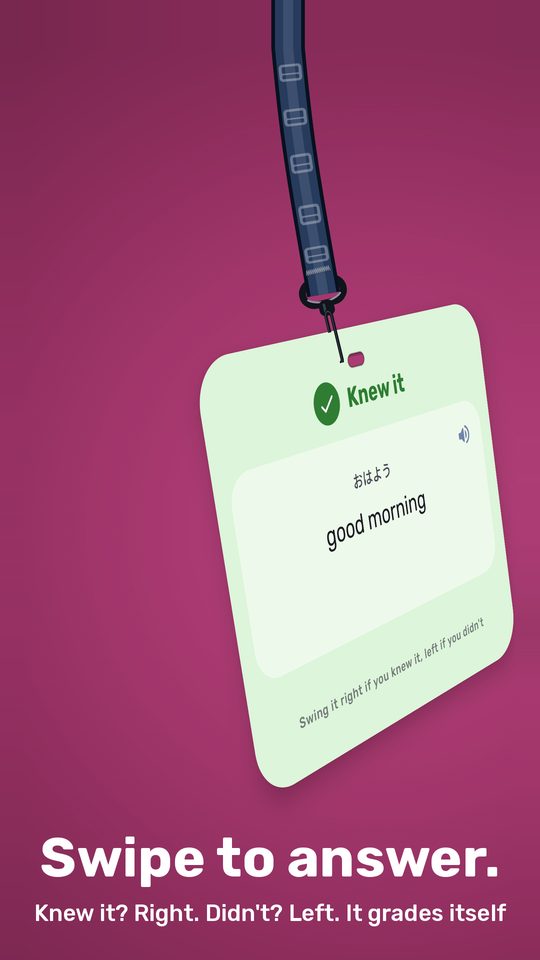
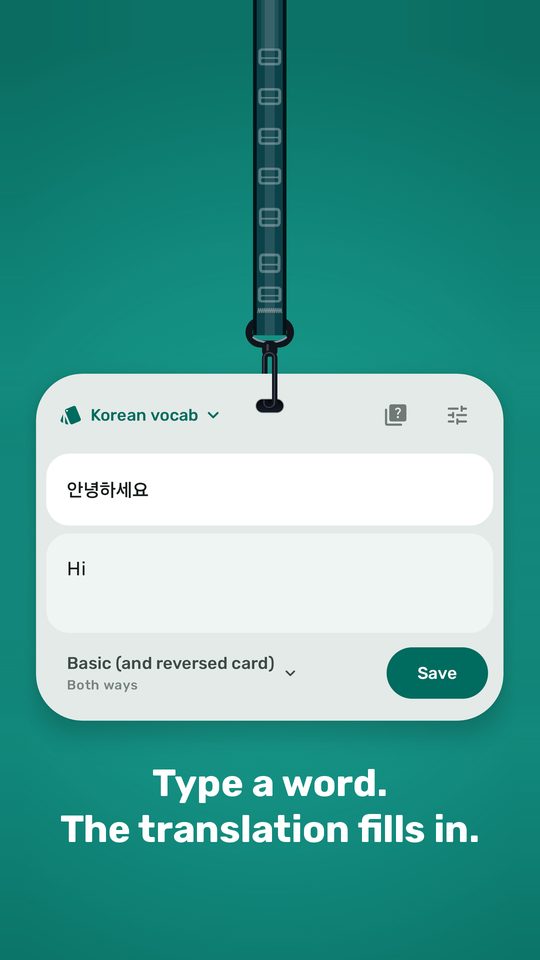
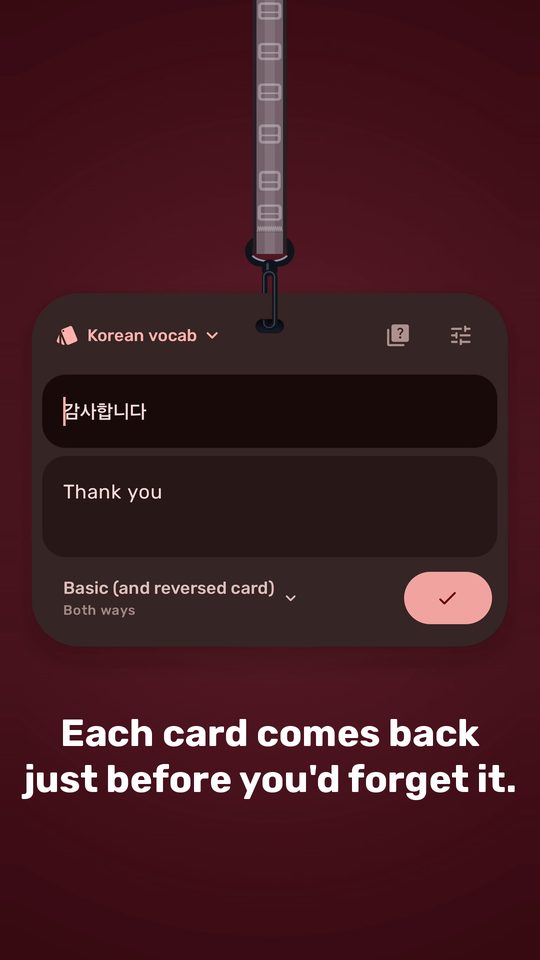
Watching a video and hear a word you don't know? Pull your phone down and back up, and a blank flashcard drops right over the video. Waiting for the bus? Turn your phone over and back, and today's cards are there. Hold each card to see the answer, swipe it right if you knew it or left if you didn't, and Deckdrop grades it for you.
You can drag the card around
It won't go off while you're walking or when you put the phone in your pocket. If you'd rather tap, there are also two Quick Settings tiles that do the same thing.
Tap a card to flip it.
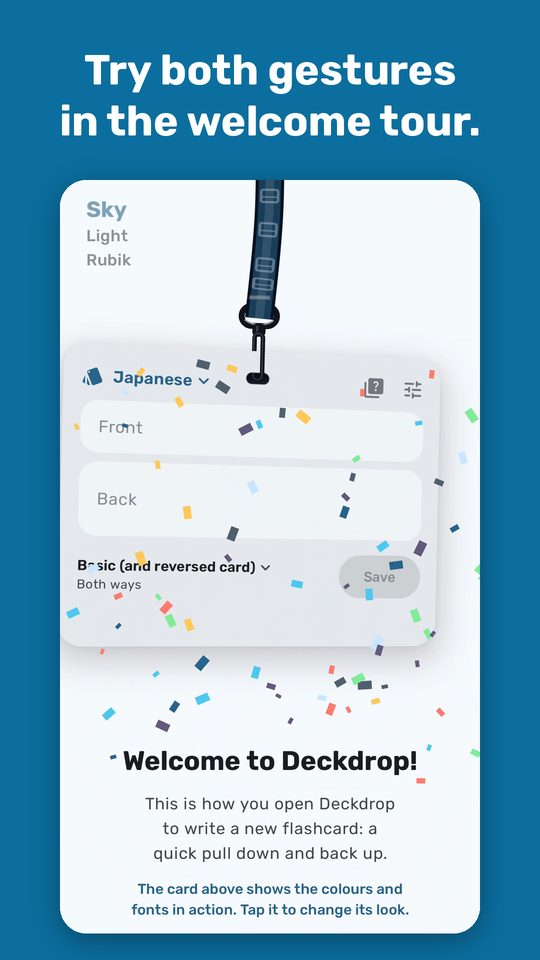
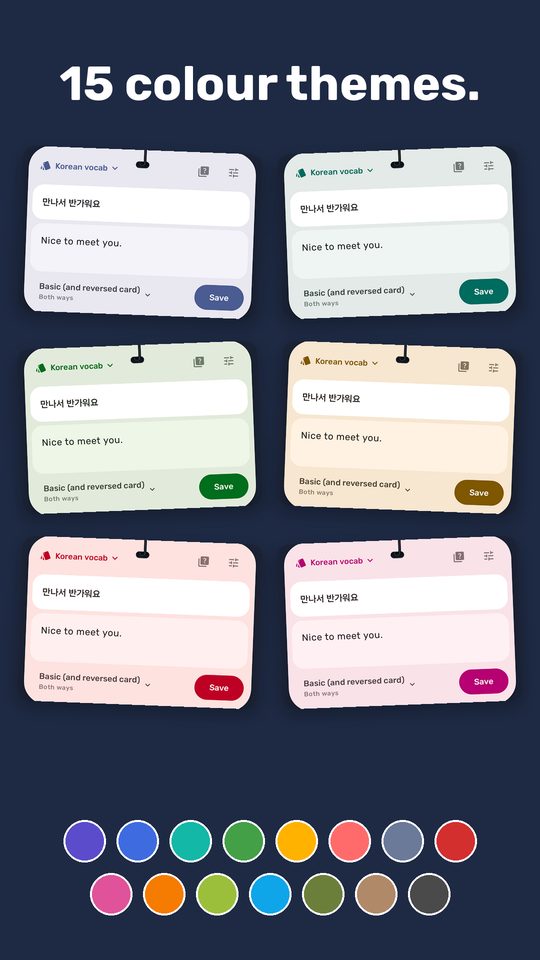
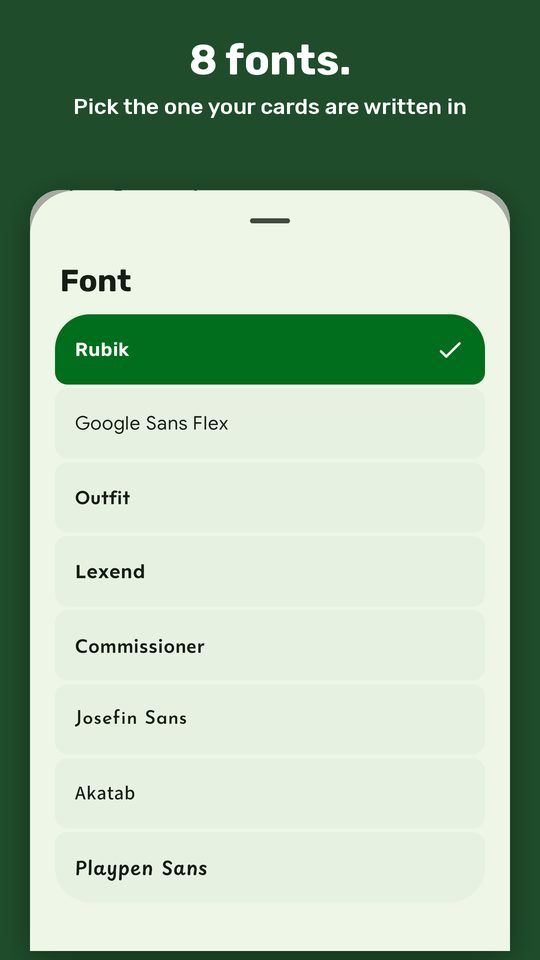
Tap the card on the welcome screen to switch between colours and fonts, and see how your cards will look before you pick.
The first day you hit the 10-card limit, you get a week of Pro for free. You don't need to enter any payment details.
No. Deckdrop keeps your cards and schedules your reviews itself, with FSRS, the same method Anki uses by default, or Anki's classic SM-2. If you already use Anki, switch on Use with AnkiDroid and the two stay in step on their own.
Yes. Use Deckdrop with AnkiDroid and sync AnkiDroid with AnkiWeb, and your cards and reviews show up in Anki on your computer too. You can also save a backup of your Deckdrop cards as an Anki deck file and open it in Anki.
Not often. The gestures are tuned to ignore walking, stairs and putting your phone away, and the motion sensors are off whenever the screen is off.
Your cards stay on your phone. Deckdrop doesn't have accounts or a server, and what you type isn't uploaded. There's more detail in the privacy policy.
Any phone on Android 10 or newer. I mostly test on a Samsung Galaxy, and on stock Android as well.